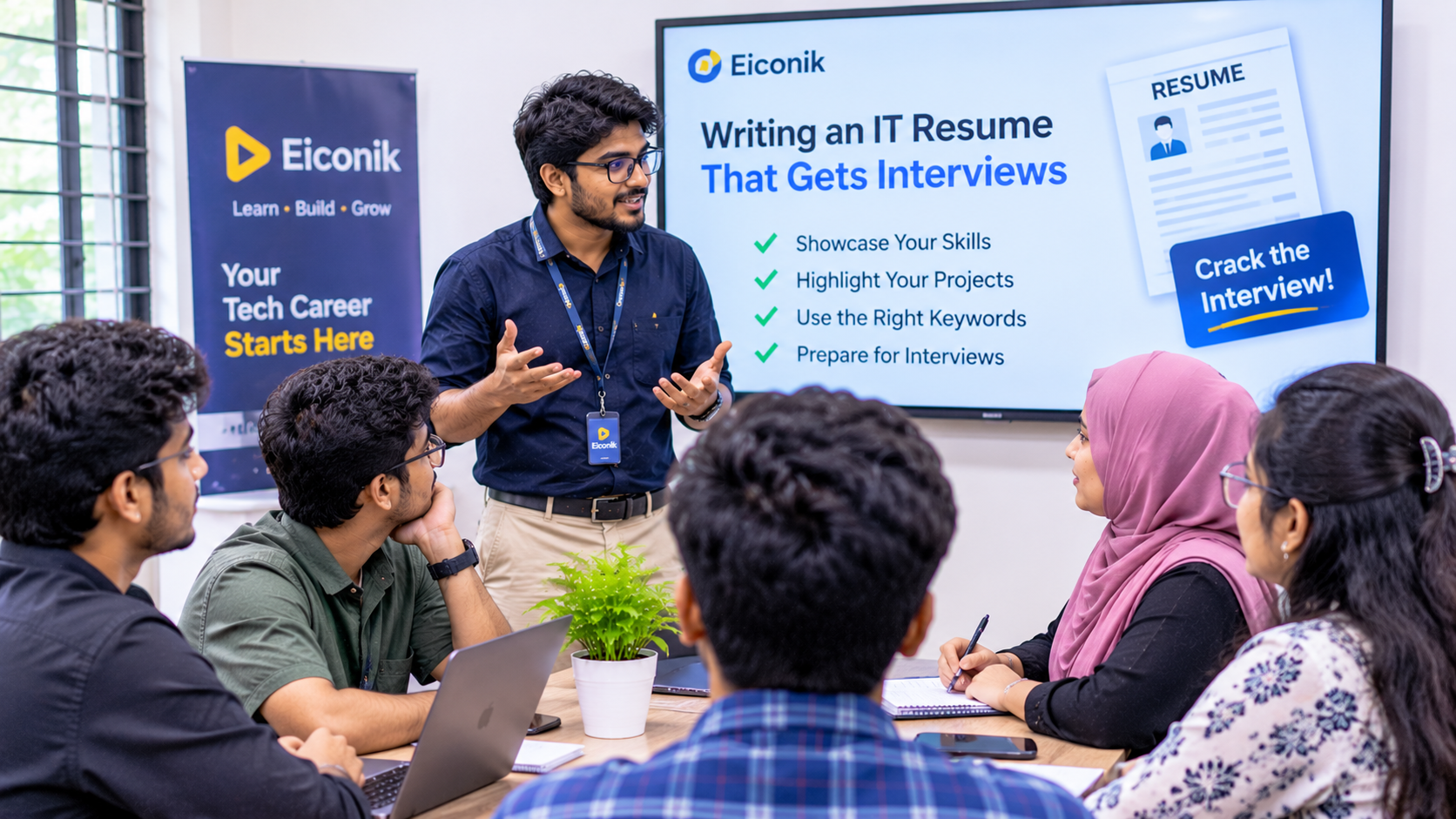
Want to Get Hired in the IT Industry? Start with a Strong Resume!
Getting your first job in the IT industry can be challenging. You may have programming knowledge, technical skills, academic qualifications, and personal projects, but how do you convince a recruiter to invite you for an interview?
The answer starts with your resume.
Your resume is often the first impression you make on a potential employer. A well-written IT resume helps recruiters understand your technical abilities, experience, projects, and professional potential.
Whether you are a fresh graduate, an aspiring software developer, a web developer, or an experienced IT professional, creating a professional resume is an essential career skill.
In this guide, Eiconik explains how to write an IT resume that highlights your strengths, attracts recruiters' attention, and increases your chances of getting interview opportunities.
1. Understand What IT Recruiters Look for in a Resume
IT recruiters often receive many applications for a single position. They need to identify candidates whose skills and experience match the job requirements.
When reviewing an IT resume, recruiters commonly look for:
- Relevant technical skills.
- Programming languages and technologies.
- Real-world or personal projects.
- Professional experience or internships.
- Education and relevant certifications.
- Problem-solving and analytical abilities.
- Clear communication and professional presentation.
Your resume should make these details easy to find. Avoid unnecessary information and focus on what makes you a suitable candidate for the specific role.
2. Choose the Right Resume Format
The format of your resume affects how easily recruiters can understand your qualifications.
For most IT professionals and beginners, a reverse-chronological resume is a practical choice. It presents your most recent experience or education first.
Common resume formats include:
- Reverse-Chronological: Highlights your most recent work experience and qualifications first.
- Functional: Focuses more on skills than employment history.
- Combination: Highlights both technical skills and professional experience.
Our recommendation: Use a clean, professional, reverse-chronological format unless another format better suits your career history.
3. Write a Professional Resume Header
Your resume header should help recruiters identify you and contact you easily.
Include these details:
- Your full professional name.
- A professional email address.
- Your phone number with country code.
- Your city and country.
- LinkedIn profile URL.
- GitHub or portfolio website, if relevant.
Avoid unnecessary personal information such as your national ID number, passport details, or unrelated personal details.
Example Resume Header
Alex Rahman
Junior Web Developer
Email: alex@example.com
Phone: +880 1XXXXXXXXX
Location: Dhaka, Bangladesh
LinkedIn: linkedin.com/in/example
Portfolio: example.com
GitHub: github.com/example
Use your actual contact information and working profile links when preparing your resume.
4. Create a Strong Professional Summary
A professional summary is a short introduction that explains your background, technical strengths, and career interests.
It should quickly communicate what you can offer to an employer.
Example for a Fresh Graduate
Motivated Computer Science graduate with foundational knowledge of Python, JavaScript, HTML, CSS, and database management. Experienced in developing academic and personal projects, with a strong interest in software development and problem-solving. Eager to contribute technical knowledge and continue learning in a professional IT environment.
Example for a Junior Web Developer
Detail-oriented Junior Web Developer with practical experience in HTML, CSS, JavaScript, and React. Skilled in building responsive user interfaces and integrating APIs. Passionate about creating user-friendly web applications and continuously improving technical abilities.
Tip: Customize your summary for every job application. Avoid generic statements that do not explain your actual skills.
5. Highlight Your Technical Skills
Technical skills are among the most important sections of an IT resume. Recruiters want to understand which technologies you can use and how they relate to the advertised position.
Organize your skills into relevant categories instead of creating one long, confusing list.
Example Technical Skills Section
- Programming Languages: Python, JavaScript, Java.
- Frontend Development: HTML, CSS, React.
- Backend Development: Node.js, Express.js.
- Databases: MySQL, PostgreSQL, MongoDB.
- Tools: Git, GitHub, VS Code.
- Other Skills: REST APIs, Responsive Design, Debugging.
Only include technologies you genuinely understand. If you have beginner-level knowledge, do not present yourself as an expert.
6. Showcase Your Projects – Especially If You Have No Experience
One of the biggest challenges for fresh graduates and beginner developers is having little or no professional work experience.
The good news is that you can still create a strong IT resume by showcasing academic projects, personal projects, internships, and practical work.
Useful project examples include:
- Portfolio Website: A personal website showcasing your skills and projects.
- Student Management System: An application for managing student records.
- E-commerce Website: A platform with product listings and shopping cart functionality.
- Weather Application: A project using an external weather API.
- Data Analysis Project: Analyzing datasets using Python and Pandas.
- Machine Learning Project: A beginner-friendly prediction or classification application.
How to Describe a Project
Instead of simply writing the project name, explain what it does and which technologies you used.
Weak Example:
Created a website using HTML and CSS.
Better Example:
Developed a responsive portfolio website using HTML, CSS, and JavaScript, featuring project showcases, contact information, and mobile-friendly navigation.
Whenever possible, include a GitHub repository or live project link.
7. Add Your Education and Certifications
Your education section helps recruiters understand your academic background and relevant qualifications.
Include:
- Degree or qualification name.
- Institution name.
- Graduation year or expected completion date.
- Relevant academic achievements, when useful.
If you have completed professional courses or certifications, include those that are relevant to the job.
For example:
- Python Programming Certificate.
- Web Development Certification.
- Data Science Training.
- Cloud Computing Certification.
- Cybersecurity Fundamentals.
Always list genuine qualifications and certifications. Never include certificates you have not earned.
8. Include Internships and Professional Experience
If you have professional experience, internships, freelance projects, or relevant volunteer work, include them in your resume.
For each position, mention:
- Job title or role.
- Company or organization name.
- Employment dates.
- Main responsibilities.
- Achievements and measurable results.
Focus on what you accomplished rather than only listing daily responsibilities.
Example
Junior Web Development Intern
ABC Technology | January 2026 – April 2026
- Assisted in developing responsive website interfaces.
- Worked with HTML, CSS, and JavaScript.
- Collaborated with developers to identify and fix frontend issues.
- Participated in code reviews and project discussions.
For beginners without formal work experience, academic and personal projects can help demonstrate practical abilities.
9. Optimize Your Resume for Applicant Tracking Systems (ATS)
Many organizations use Applicant Tracking Systems (ATS) to manage job applications. Depending on the system and employer's settings, these tools may help organize applications and identify relevant information.
A resume that is difficult to parse or does not clearly communicate relevant skills may be overlooked during the initial screening process.
Tips for creating an ATS-friendly resume:
- Use a simple, clean layout.
- Choose standard section headings such as Skills, Education, and Experience.
- Use relevant keywords from the job description naturally.
- Avoid excessive graphics and complicated layouts.
- Use readable fonts and consistent formatting.
- Keep important information in the main document body.
- Submit the file format requested by the employer.
- Check that your PDF text can be selected and copied.
Important: Never add hidden keywords or misleading information to manipulate ATS software. Your resume should accurately represent your qualifications.
10. Use Action Words to Make Your Resume Stronger
The language you use can make a significant difference in how recruiters understand your contributions.
Use clear action verbs to describe your work and achievements.
Useful action words for IT resumes:
- Developed
- Designed
- Implemented
- Built
- Optimized
- Automated
- Analyzed
- Integrated
- Managed
- Collaborated
For example, instead of writing "Worked on a database," write "Designed and implemented a database structure to organize student records."
Whenever possible, support your achievements with accurate numbers and measurable results.
11. Common IT Resume Mistakes You Should Avoid
Even candidates with strong technical skills can weaken their applications through avoidable resume mistakes.
- Too Much Information: Including unnecessary details that distract recruiters.
- Spelling and Grammar Errors: Failing to proofread your resume.
- Generic Professional Summary: Using the same introduction for every job.
- Unverified Skills: Listing technologies you cannot explain during an interview.
- No Project Links: Missing opportunities to demonstrate your actual work.
- Complicated Design: Using excessive colors, graphics, or unusual layouts.
- Unprofessional Email: Using an email address that does not look suitable for job applications.
- False Experience: Including fabricated projects, qualifications, or employment history.
12. Prepare for the Interview After Submitting Your Resume
A strong resume can help you get an interview, but preparation is essential to perform well during the interview.
Recruiters and technical interviewers may ask questions about your programming knowledge, previous projects, problem-solving abilities, and professional goals.
Important interview preparation tips:
- Understand every skill mentioned in your resume.
- Practice common technical interview questions.
- Review your projects and explain how they work.
- Prepare examples of problems you have solved.
- Practice explaining technical concepts clearly.
- Research the company and job requirements.
- Prepare thoughtful questions for the interviewer.
- Practice communicating confidently and professionally.
Remember, anything you mention in your resume may become a topic during your interview. Be prepared to explain your experience honestly.
13. A Simple IT Resume Checklist
Before submitting your resume, review this checklist to make sure you have included the important details.
- Professional name and contact information.
- Relevant professional summary.
- Technical skills organized by category.
- Relevant projects with descriptions.
- Education and certifications.
- Internship or professional experience, if available.
- GitHub, LinkedIn, or portfolio links.
- Relevant keywords from the job description.
- Consistent formatting and correct spelling.
- Final review of the PDF or requested file format.
How Eiconik Helps Students Prepare for IT Careers
Building a successful IT career requires more than learning programming languages. Students also need practical skills, problem-solving abilities, professional communication, and the confidence to present their work.
At Eiconik, we encourage students to develop technical knowledge through structured learning and practical projects.
Whether you are learning Python, exploring Data Science, or developing Machine Learning skills, building a strong foundation can help you prepare for future opportunities in technology.
We believe that learning, practicing, and continuously improving are important steps toward becoming a confident IT professional.
Explore Eiconik's courses and start building the skills that can support your career journey.
Final Thoughts: Your Resume Is Your First Professional Introduction
A great IT resume does not need complicated graphics or exaggerated descriptions. It needs clear information, relevant technical skills, meaningful projects, and a professional structure.
Focus on showing employers what you can actually do. Highlight your projects, explain your achievements, and customize your resume for the positions you want.
If you are a beginner, don't worry about having limited experience. Start building projects, improve your skills, and keep updating your resume as you grow.
Your resume may open the door to an interview, but your skills, preparation, and confidence help you move forward.
Build your skills. Present your talent. Prepare for your future with Eiconik!