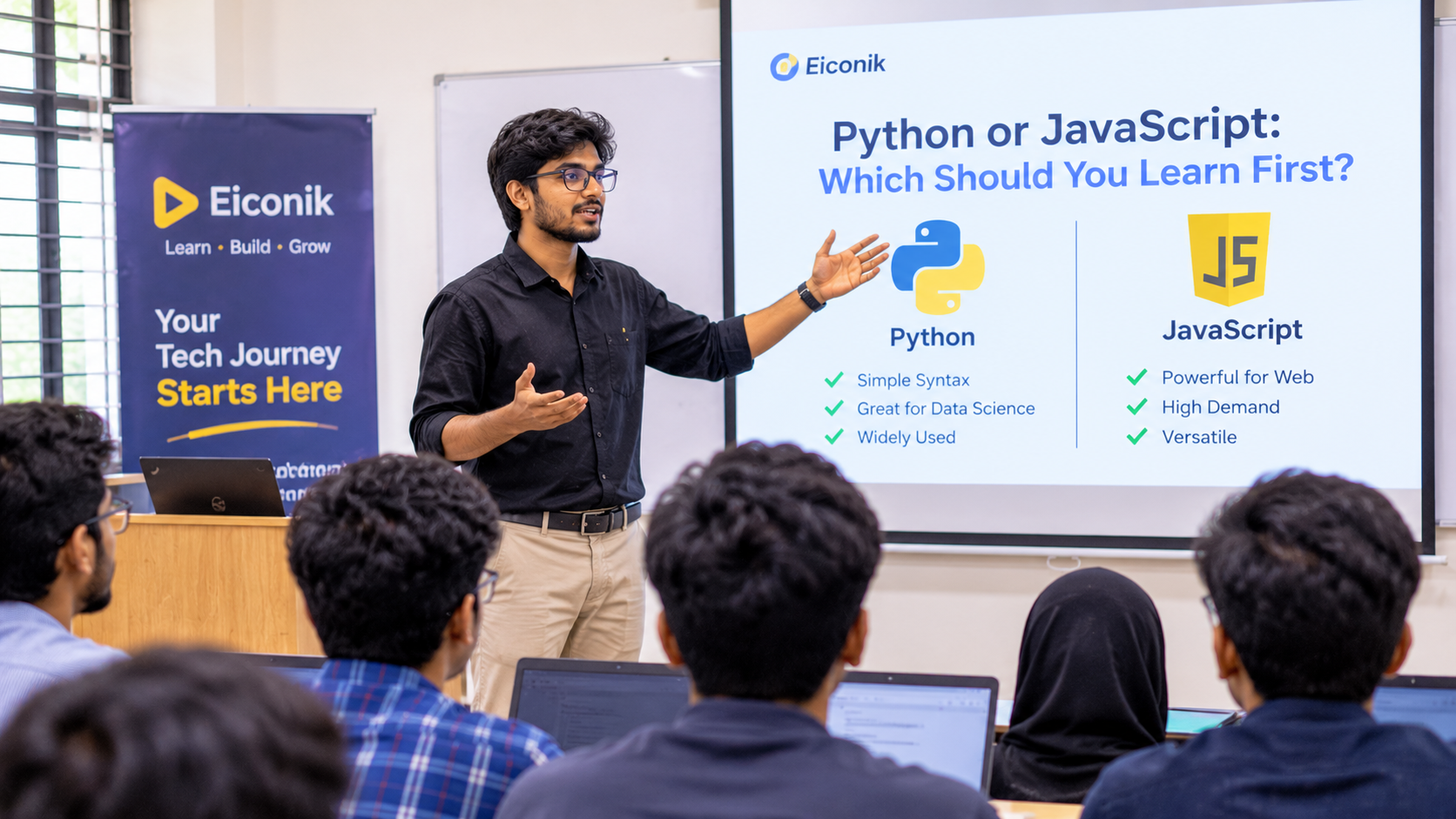
Want to Become a Web Developer in 2026? Start with the Right Roadmap!
Web development continues to offer exciting opportunities for people who enjoy technology, creativity, and problem-solving. From business websites and e-commerce platforms to modern web applications, skilled web developers help turn ideas into digital products.
But if you are a beginner, one question can feel overwhelming: Where should you start?
There are hundreds of programming languages, frameworks, libraries, and development tools available. Trying to learn everything at once can waste time and create unnecessary confusion.
The good news is that you don't need to learn everything to become a capable web developer. You need a structured learning path, consistent practice, and real projects that demonstrate your skills.
In this guide, Eiconik shares a realistic web development roadmap for 2026, designed to help beginners progress from zero knowledge to building and deploying complete websites and applications.
What Is Web Development?
Web development is the process of creating and maintaining websites and web applications. It involves designing user interfaces, writing code, managing databases, building server-side functionality, and ensuring that applications work correctly.
Web development is generally divided into three main areas:
- Frontend Development: Building the visual parts of a website that users interact with.
- Backend Development: Managing server-side logic, databases, authentication, and application functionality.
- Full-Stack Development: Working with both frontend and backend technologies.
Step-by-Step Web Development Roadmap for 2026
Step 1: Learn HTML – Build Your First Web Page
HTML (HyperText Markup Language) is the foundation of every website. It provides the structure and meaning of web content.
Before learning advanced technologies, understand how web pages are structured.
Topics to learn:
- HTML document structure.
- Headings, paragraphs, and text formatting.
- Links and images.
- Lists and tables.
- Forms and input elements.
- Semantic HTML elements.
- Basic accessibility practices.
Practice Project: Create a personal profile website containing your introduction, education, skills, and contact information.
Suggested Time: 1–2 weeks.
Step 2: Learn CSS – Make Websites Beautiful
CSS (Cascading Style Sheets) controls how websites look. It allows developers to create attractive layouts, colors, spacing, animations, and responsive designs.
After learning HTML, CSS will help you transform simple web pages into professional-looking websites.
Topics to learn:
- CSS selectors and properties.
- Colors, fonts, and backgrounds.
- Box model and positioning.
- Flexbox and CSS Grid.
- Responsive web design.
- Media queries.
- Transitions and animations.
Practice Project: Build a responsive business landing page that works on mobile phones, tablets, and desktops.
Suggested Time: 2–3 weeks.
Step 3: Learn JavaScript – Make Websites Interactive
JavaScript is one of the most important programming languages for modern web development. It makes websites interactive and allows developers to create dynamic functionality.
Do not rush this stage. Strong JavaScript fundamentals will make learning modern frontend frameworks much easier.
Topics to learn:
- Variables and data types.
- Operators and conditional statements.
- Loops and functions.
- Arrays and objects.
- DOM manipulation.
- Events and event handling.
- ES6+ features.
- Promises and async/await.
- Fetch API and JSON.
- Error handling and debugging.
Practice Projects:
- Calculator application.
- To-do list application.
- Interactive quiz application.
- Weather application using an API.
Suggested Time: 4–6 weeks.
Step 4: Learn Git and GitHub – Manage Your Code Professionally
Git is a version control system that helps developers track code changes and manage projects. GitHub allows developers to store and share their repositories online.
These tools are important for professional development workflows and collaboration.
Topics to learn:
- What Git and GitHub are.
- Creating repositories.
- Git add, commit, and push.
- Branches and merging.
- Pull requests.
- Resolving merge conflicts.
- Writing useful README files.
Practice Project: Upload your HTML, CSS, and JavaScript projects to GitHub and maintain a clean project history.
Suggested Time: 1 week for the fundamentals, followed by continuous practice.
Step 5: Learn a Frontend Framework – React
Once you understand HTML, CSS, and JavaScript, you can start learning a modern frontend framework or library.
React is a popular choice for building interactive user interfaces. It helps developers organize applications into reusable components.
Topics to learn:
- React fundamentals.
- JSX and components.
- Props and state.
- React Hooks.
- Event handling.
- Forms and validation.
- React Router.
- API integration.
- Component reuse and organization.
You should also learn TypeScript after becoming comfortable with JavaScript. TypeScript adds static typing and helps make larger applications easier to maintain.
Practice Projects:
- Personal portfolio dashboard.
- Product listing application.
- Movie search application.
- E-commerce frontend.
Suggested Time: 4–6 weeks for React fundamentals, with additional time for TypeScript and larger projects.
Step 6: Learn Backend Development – Node.js and Express
Frontend development focuses on what users see, while backend development handles the functionality behind the application.
Node.js allows developers to run JavaScript outside the browser. Express.js provides a lightweight framework for building web servers and APIs.
Topics to learn:
- How servers and clients communicate.
- HTTP methods and status codes.
- Node.js fundamentals.
- Express.js basics.
- REST API development.
- Routing and middleware.
- Authentication and authorization.
- Input validation.
- Error handling.
- Environment variables.
Practice Project: Build a backend API for a student management system with registration, login, and student information management.
Suggested Time: 3–5 weeks.
Step 7: Learn Databases – Store and Manage Information
Most modern websites need databases to store information such as user accounts, products, orders, messages, and application data.
Understanding databases is essential if you want to become a backend or full-stack developer.
Topics to learn:
- Database fundamentals.
- Tables, rows, and columns.
- SQL queries.
- CRUD operations.
- Relationships and joins.
- Database design.
- PostgreSQL or MySQL.
- Basic database security.
You can explore MongoDB later if your projects require a document-oriented database. Start with one database and understand it properly before learning alternatives.
Practice Project: Create a database-driven application that stores user accounts, products, and orders.
Suggested Time: 2–3 weeks for the fundamentals.
Step 8: Learn Next.js and Modern Web Development
After gaining experience with React, explore Next.js. It is a React framework that provides additional features and conventions for building modern web applications.
Topics to learn:
- Next.js project structure.
- App Router fundamentals.
- Layouts and pages.
- Server and Client Components.
- Data fetching.
- Route handlers.
- Metadata and SEO.
- Authentication integration.
- Application performance.
Next.js is useful for many projects, but it is not mandatory for every frontend developer. Learn it when you understand React fundamentals.
Practice Project: Build a complete blog platform or online learning website using Next.js.
Suggested Time: 3–4 weeks for the fundamentals.
Step 9: Learn Testing, Security, and Performance
Writing code is only one part of professional web development. A good developer also ensures that applications are reliable, secure, accessible, and fast.
Important areas to explore:
- Unit and integration testing.
- End-to-end testing with Playwright.
- Accessibility and keyboard navigation.
- Website performance optimization.
- Secure authentication practices.
- Input validation and data protection.
- Basic web security concepts.
- Browser debugging tools.
Practice Project: Test and improve an existing web application by fixing bugs, checking accessibility, and optimizing loading performance.
Step 10: Learn Deployment – Publish Your Projects Online
A website is not complete until people can access it online. Deployment allows developers to publish their applications and make them available to users.
Topics to learn:
- Domain names and DNS basics.
- Hosting fundamentals.
- Environment configuration.
- Deploying frontend applications.
- Deploying backend applications.
- Database hosting.
- SSL and HTTPS.
- Basic CI/CD workflows.
Popular platforms to explore include Vercel, Netlify, Render, and cloud hosting services.
Practice Project: Deploy a complete full-stack application with a frontend, backend, and connected database.
Bonus: How AI Is Changing Web Development in 2026
AI-powered development tools are becoming an important part of modern software development. They can help developers write code, understand errors, generate test cases, and explore solutions more quickly.
Some useful tools include:
- ChatGPT: Understanding concepts, debugging, and exploring coding solutions.
- GitHub Copilot: AI-assisted coding and code suggestions.
- Cursor: AI-assisted code editing and project workflows.
- Claude: Understanding code, reviewing logic, and solving programming problems.
However, AI tools should support your development process rather than replace your understanding. Always review generated code, test it, and understand how it works.
Realistic Web Development Learning Timeline
Your learning speed will depend on your previous experience, available study time, and consistency. The following timeline is an example for someone starting from the beginning and studying around 10–15 focused hours per week.
| Timeline | Learning Focus | Expected Outcome |
|---|---|---|
| Month 1 | HTML and CSS | Build responsive websites |
| Months 2–3 | JavaScript and Git | Create interactive projects |
| Months 4–5 | React and TypeScript basics | Build modern frontend applications |
| Month 6 | Node.js and APIs | Create backend functionality |
| Month 7 | Databases and authentication | Build data-driven applications |
| Month 8 | Next.js, testing, and deployment | Publish full-stack projects |
| Months 9–10 | Portfolio and interview preparation | Prepare for internships and junior roles |
Important: This is a planning estimate, not a job guarantee. Some learners will need more time, especially when balancing education, work, or other responsibilities.
5 Projects You Should Build to Become a Better Web Developer
Watching tutorials is useful, but building projects is where real development skills grow. Try to create original projects instead of simply copying tutorials.
- Personal Portfolio Website: Showcase your skills, experience, projects, and contact information.
- Responsive Business Website: Create a professional website for a real or fictional business.
- Task Management Application: Build a to-do application with authentication and database integration.
- E-commerce Website: Develop product listings, shopping cart functionality, and an order management system.
- Full-Stack Learning Platform: Build a platform with student accounts, courses, lessons, and progress tracking.
Common Mistakes Beginners Should Avoid
- Trying to learn too many programming languages at once.
- Jumping into React without understanding JavaScript.
- Watching tutorials without building independent projects.
- Ignoring responsive design and accessibility.
- Copying AI-generated code without understanding it.
- Skipping Git and GitHub.
- Learning multiple frameworks before mastering one.
- Waiting until everything is perfect before publishing projects.
How Eiconik Can Help You Start Your Web Development Journey
Starting a new technical skill can feel challenging, especially when you don't know which topic to learn first. A structured learning environment can make the process easier and more organized.
At Eiconik, we encourage students to focus on practical knowledge, consistent learning, and developing skills that can support their future careers.
Whether you are beginning with programming fundamentals or exploring advanced technology, the right learning resources can help you move forward with confidence.
Explore Eiconik's learning opportunities and take the first step toward developing your technical skills.
Final Thoughts: Start Small, Build Consistently, and Keep Improving
Becoming a web developer in 2026 does not require learning every programming language or framework available. It requires understanding the fundamentals, following a logical learning path, and building real projects.
Start with HTML, CSS, and JavaScript. Learn Git, choose a frontend framework, explore backend development, understand databases, and gradually develop complete applications.
Most importantly, don't measure your progress by the number of courses you complete. Measure it by what you can build independently and how well you can explain your code.
Your first website doesn't need to be perfect. It just needs to be your first step toward becoming a developer.
Start learning today. Build something useful. Grow your future with Eiconik!